


Quick Account Setup
Send your first gift in under 10 minutes.
Link your CRM and we'll ship your branded gift to your client's doorstep the moment they pay.
Enter your email for a free gift with your logo

Be the vendor they remember.
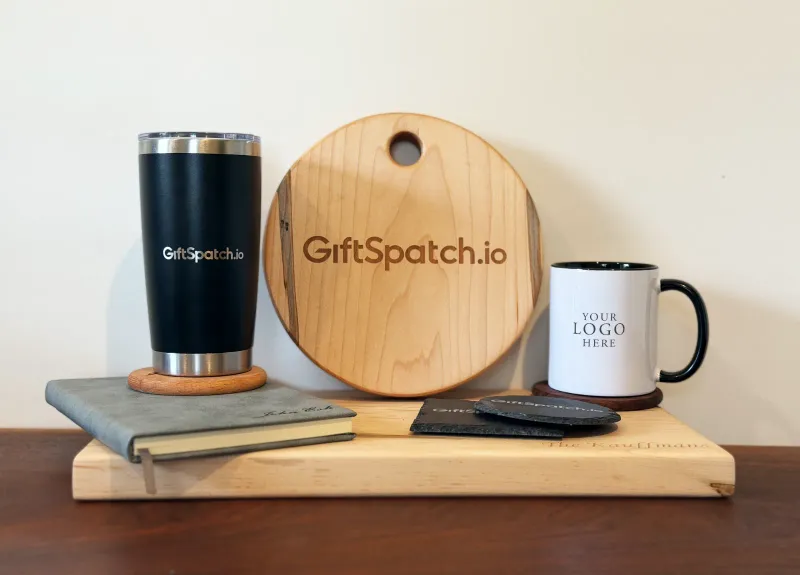
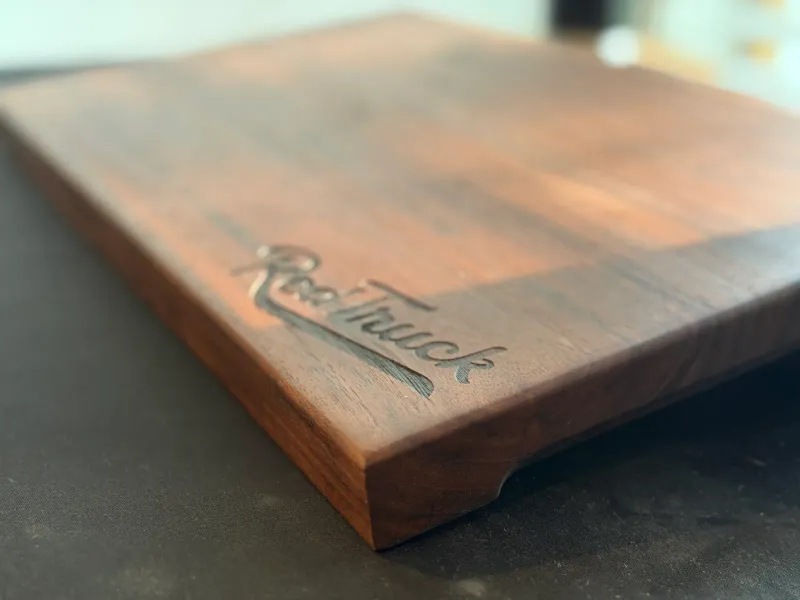
Get your brand in their hand
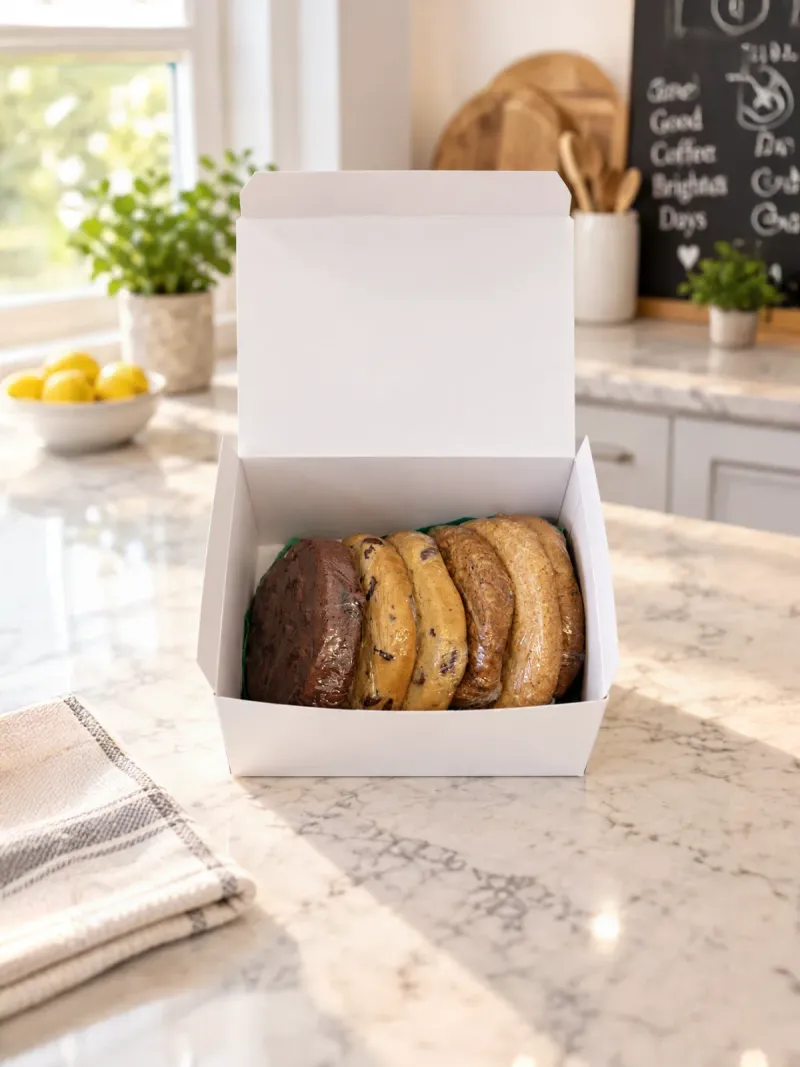
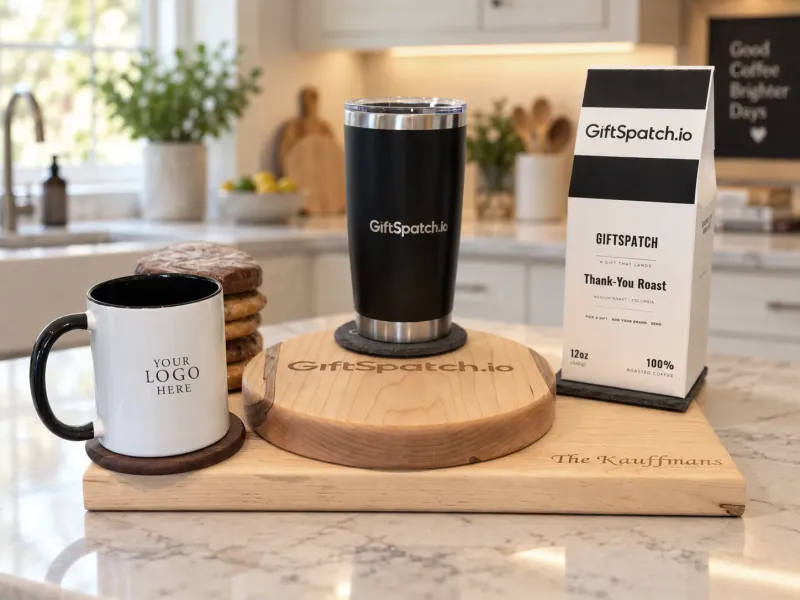
Past customers are 3x more likely to rebuy from you.
Send your first gift in under 10 minutes.
Choose a personalized design or upload a high-res logo for print. Save it once and use it on every gift you send.
Connect your CRM and set your trigger: We handle production and shipping
Hand picked for your brand.
You can send a branded gift in under 3 minutes with GiftSpatch.
People feel a pull to return a kindness. A gift opens a door to continue the relationship.
End of year is when customers notice who thought of them, and when everyone runs short on time.
Something they keep beats an email nobody finishes reading.
Customers rarely leave angry, they drift. They call back whoever stayed visible.
Lets add some good info here about the effect of gifting.
You paid hundreds for that customer. A gift keeps them.
A discount is forgotten by the time the invoice is paid. An item that shows up unannounced, with a note, is a favour your customer feels they owe you for.
The classic reciprocity experiment: a tiny, unexpected gift almost doubled what people gave back. Same rule, your customer, your logo.
In the trades, referrals are the business. When a neighbour asks "who do you use?", a gift makes sure you are the one they remember.
Connect your QuickBooks account and GiftSpatch watches for the moment worth marking. When a customer pays an invoice, their gift goes out without you touching anything.
One secure sign-in through Intuit. Your customers and their invoice history come across on their own, so there is nothing to import.
Pick what starts a gift, like a paid invoice, and pick the gift it sends. Add a minimum invoice amount if you only want the bigger ones to count.
The gift is placed, produced, and shipped, and it shows up in your order history like any other send.
Want a free sample first? Leave your email and we design one with you.
From sign-up to shipped in a few clicks.
Sign up with Google or an email and password. You get your catalog, your saved recipients, and your order history in one place.
Choose an item from the catalog, then pick a preset design or upload your logo for print. Your logo is saved for next time.
Add the recipient's details and place the order, or send to a filtered list of customers at once. We handle production and fulfillment, and you track every order from your dashboard.
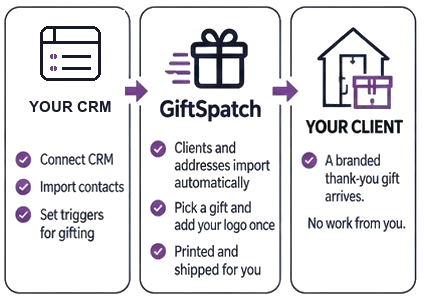
Connect once. Gifts ship on their own when an invoice is paid.
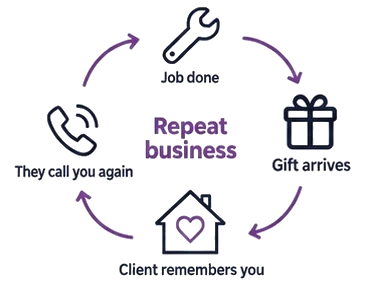
Be the first name they think of, every time.
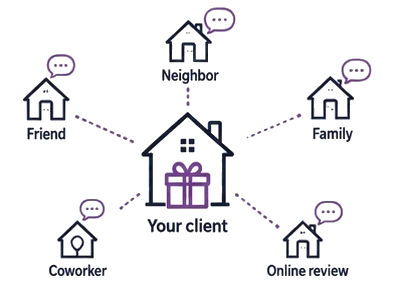
Every gift gives them a reason to recommend you.
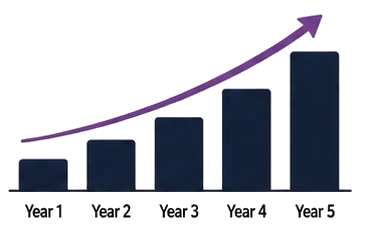
A little appreciation goes a long way.
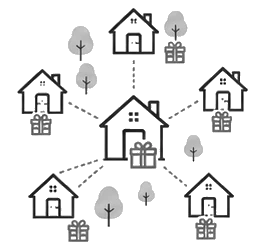
Coming soon
Practical gifts. Real results.
More time for your business.
We'll handle the thank-yous.


Two powerful tools. A stronger business.

Be the vendor they remember
Keep your brand in their hands.
A quick walkthrough of signing up, branding a gift, and sending it to a customer.
Screens pulled straight from GiftSpatch. Use the arrows, dots, or arrow keys to step through.
Businesses that want their customers to remember them. Holiday gifting is the big one: thank every client at the end of the year without a supplier account, a spreadsheet, or a week of chasing addresses. The same setup works year-round for pre-sale touches, post-sale thank-yous, and anniversaries.
When you send a gift, pick one of our preset designs or upload a high-resolution logo for print. Save your logo once and it’s there for every gift you send afterward.
Pick a gift, add your logo or choose a preset design, and enter an address. That’s your whole part. We handle production, printing, and shipping, and you watch it move from your dashboard: submitted, processing, in production, shipped, delivered.
Yes. Connect QuickBooks and set a rule, and a gift can go out on its own when a customer pays an invoice. You stay in control: set a spending cap, a hold window before anything ships, or require your approval on every send.
Yes. Filter your customers by what they've spent, when they last bought, or a tag you've given them, then send the same gift to everyone on that list in one go.
You can sign up free, with no card required. The free plan covers the catalog, sending gifts, and saved recipients; automated gifting needs a paid plan. On top of your plan, you pay only for the gifts you actually send. See the pricing section for current plans.
Sign up with your email or Google account. Head to the app to get started.
Sign up free, pick a gift, add your logo, enter an address. It ships without you doing anything else.

Leave your email. We design a mug or coffee bag with you and send it, free.
Prefer to talk it through? Book a discovery call